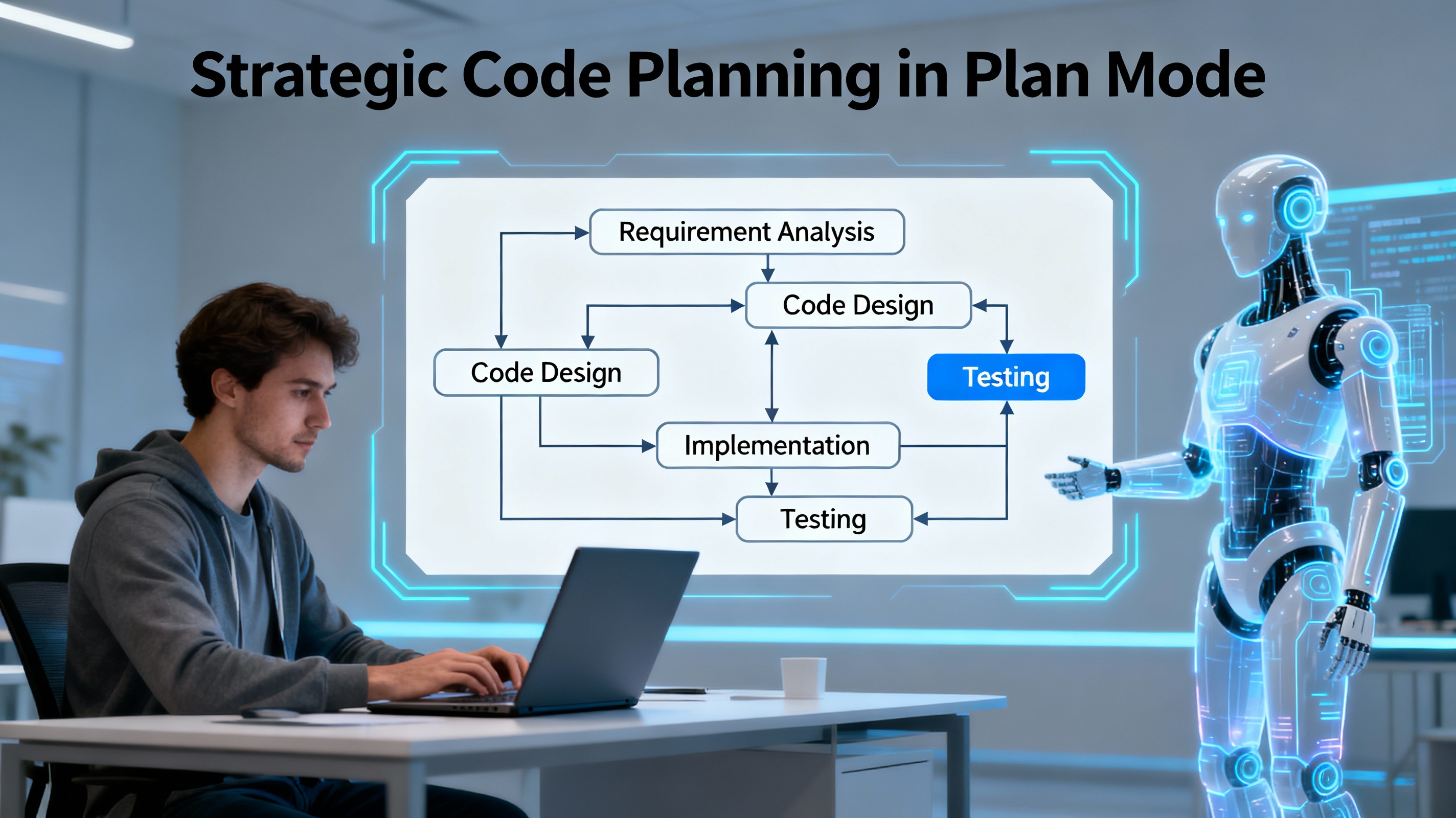
Plan mode is a powerful feature available across multiple AI coding assistants that enables developers to break down complex tasks into manageable steps before implementation begins. Rather than diving directly into coding, plan mode allows you to collaborate with AI to architect a comprehensive strategy, understand existing codebases, and clarify requirements—all while maintaining a safe, read-only exploration environment.
Understanding Plan Mode Fundamentals
Plan mode functions as a specialized environment designed for strategic thinking and code exploration. The core purpose is to gather information, ask clarifying questions, and develop detailed implementation strategies before any actual code changes are made.[1] Think of plan mode as brainstorming with a sophisticated language model to create a full implementation roadmap that guides subsequent development work.
The key distinction between plan mode and traditional execution is timing. Instead of immediately executing tasks, plan mode prioritizes understanding and planning. This approach provides several advantages: it saves processing costs by using more affordable models after the planning phase, reduces errors through careful upfront design, and creates documentation that can be shared with team members.[1]
Accessing Plan Mode Across Different Platforms
The method for activating plan mode varies slightly depending on which AI coding assistant you're using:
Cursor: Press Shift+Tab from the chat input to rotate into Plan Mode. The system automatically suggests plan mode when you type keywords that indicate complex tasks.[3][4]
VS Code with GitHub Copilot: Open the Chat view by pressing Ctrl+Alt+I (Windows/Linux) or ⌃⌘I (Mac) and select Plan from the agents dropdown.[6]
Continue IDE Extension: Select "Plan" from the mode selector below the chat input, or use Cmd/Ctrl + . to cycle through available modes.[5]
Claude with Cline: Plan mode is accessible through the Cline interface for Claude AI users.[1]
The Plan Mode Workflow
An effective plan mode workflow follows a consistent pattern that maximizes both comprehension and efficiency.
Step 1: Initial Exploration and Context Gathering
Begin by describing your high-level task or objective. This can range from building a new feature to refactoring existing code, fixing bugs, or implementing complex systems like authentication.[6] The AI will then gather comprehensive context by:
- Searching and reading relevant files in your codebase
- Analyzing existing components and architecture
- Understanding current dependencies and constraints
- Identifying potential technical challenges
During this phase, the model operates in a read-only mode, meaning it can examine your code safely without making any modifications.[5]
Step 2: Requirement Clarification and Questions
As the AI explores your codebase, it will ask clarifying questions about ambiguous requirements. These questions help refine the scope and ensure the plan accurately addresses your needs.[6] Don't rush through this phase—detailed answers at this stage lead to more accurate and efficient implementation plans.
Step 3: Plan Generation and Review
Once sufficient context has been gathered, the AI generates a detailed plan document in Markdown format. This plan typically includes:
- A high-level summary of the approach
- Breakdown of implementation steps
- Any outstanding questions or assumptions
- A comprehensive checklist of tasks
You can review this proposed plan and iterate on it multiple times before moving to implementation.[4][6] Refinement at this stage is encouraged and can involve adjusting scope, clarifying requirements, or reorganizing the task sequence.
Step 4: Plan Refinement and Iteration
Stay in plan mode to iterate on the plan as many times as needed.[6] You can provide feedback such as:
- "Start with the authentication first"
- "Focus only on steps 1 and 2"
- "Change the implementation order"
- "Add more detail to the database design"
This iterative refinement ensures you have a solid, well-thought-out foundation before any code changes are made.
Key Features and Benefits
Read-Only Safety: Plan mode provides access to read-only tools that allow exploration without risk.[5] You can read files, search code with grep and glob patterns, view repository structure, and fetch web content—all without modifying anything.
Large Repository Understanding: One significant advantage of plan mode is its ability to comprehend large code repositories without requiring you to read through thousands of lines of code.[1] You can clone a repository locally, use plan mode to understand all components, and then generate documentation or improvement plans based on that comprehensive understanding.[1]
Cost Efficiency: After brainstorming and planning with a capable model, you can switch to cheaper, more efficient models for the actual implementation phase.[1] The detailed plan created in the planning phase provides all necessary context, so the execution model doesn't need to reprocess the same information.
Documentation Generation: Plan mode can extract architecture diagrams, documentation, and improvement roadmaps from complex existing projects.[1] This is particularly useful for onboarding new team members or modernizing legacy systems.
Task Tracking: When you move from planning to implementation (Act mode or Agent mode), the AI creates a to-do list that tracks progress. You can mark tasks as complete as you implement each component, providing clear visibility into implementation progress.[1][4]
Practical Applications
Building New Features: Use plan mode to design a complete feature architecture, including frontend components, database schema, API routes, and any authentication or authorization requirements needed.
Complex Refactoring: Plan mode helps you understand the current structure before refactoring, identifying all affected components and potential breaking changes.
Codebase Onboarding: New developers can use plan mode to understand existing architecture without manually reading extensive code, then create documentation for future reference.
Bug Analysis: When facing complex bugs, plan mode can help trace through the codebase systematically to identify root causes and plan appropriate fixes.
Performance Optimization: Plan mode can analyze existing code structures to identify optimization opportunities and create a prioritized improvement plan.
Best Practices for Plan Mode
Provide context-rich descriptions of your task rather than vague requests. The more specific your initial prompt, the more targeted and useful the resulting plan will be.[6]
Ask the AI clarifying questions if aspects of the generated plan are unclear. Plans should be concrete enough that any developer could follow them.
Document your decisions and assumptions in the plan markdown file. This creates valuable documentation for future reference or team collaboration.
Iterate multiple times before finalizing. Don't hesitate to request reorganization, additional detail, or scope adjustments.
Save your finalized plan as a markdown file within your project. This serves as both documentation and a reference point for implementation and future maintenance.
Plan mode represents a paradigm shift in how developers approach complex coding tasks, prioritizing strategic thinking and comprehensive planning over immediate execution. By leveraging this approach, you can build higher-quality software more efficiently while creating valuable documentation in the process.

No comments:
Post a Comment