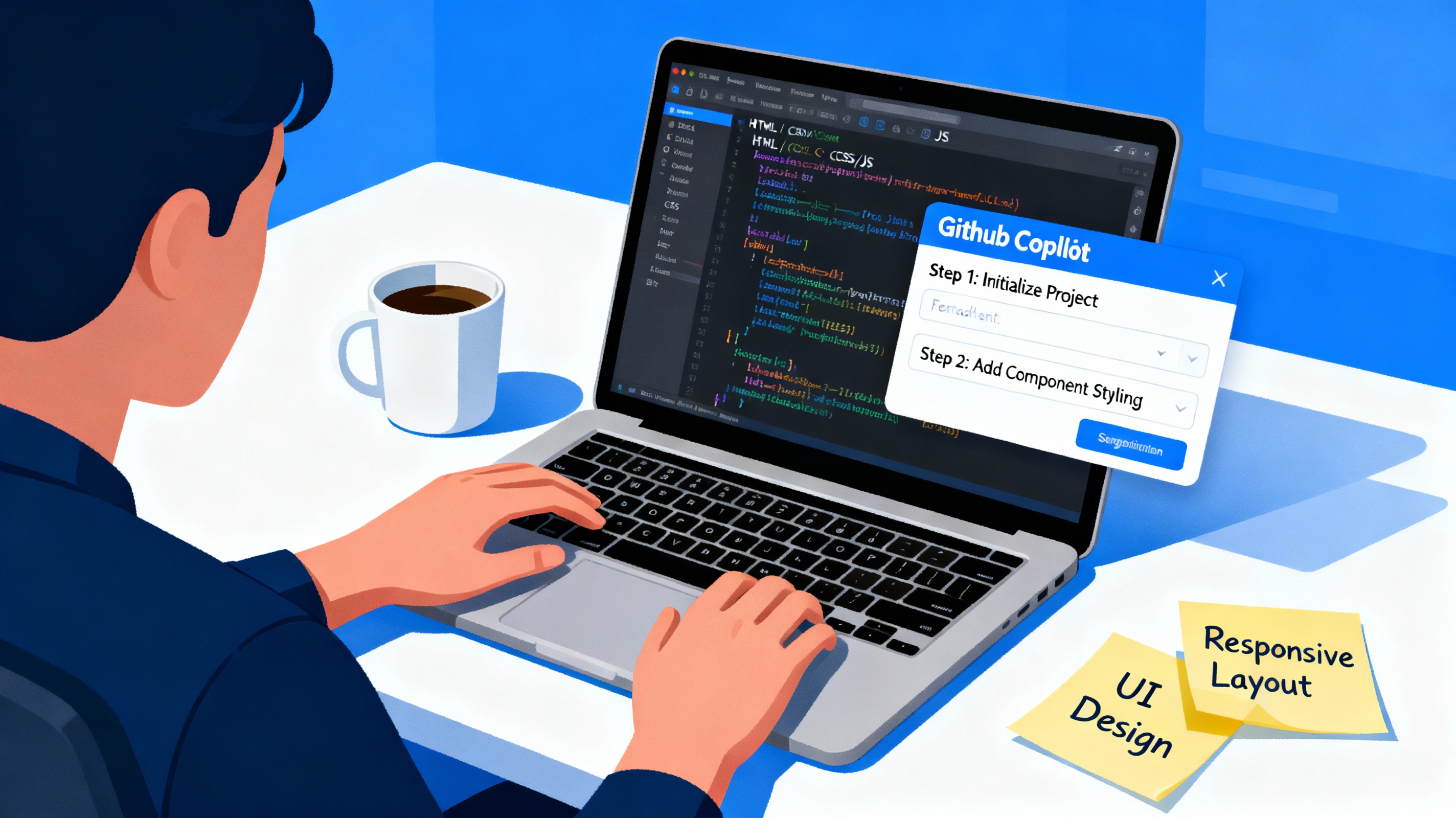
Building GitHub Copilot instructions for your frontend project is a strategic process that evolves with your codebase. Rather than creating a monolithic instruction file, an incremental approach allows you to refine your AI pair programmer's behavior based on actual project needs, coding patterns, and lessons learned during development.
Understanding the Foundation
GitHub Copilot custom instructions provide a way to encode your project's standards, conventions, and best practices into files that automatically guide AI behavior across your workspace[2][4]. Instead of repeating the same coding principles, security requirements, and architectural decisions in every prompt, these instructions eliminate repetition and ensure consistency.
The key insight is that you don't need to create perfect instructions from day one. Your instruction set should grow and improve as your project develops, just like your codebase itself.
Starting with Repository-Level Instructions
Begin with a single .github/copilot-instructions.md file in your repository root[4]. This serves as your baseline instruction set that applies to all Copilot interactions within the workspace.
In this initial file, capture the fundamental aspects of your project:
Project Overview: What is your frontend application building? For example, if you're creating a travel planning app, explain that upfront.
Technology Stack: Document your framework choices (React, Vue, Angular), styling approach (CSS, Tailwind, styled-components), and key dependencies. This prevents Copilot from suggesting incompatible patterns.
Directory Structure: Map out your
src/components/,src/pages/,src/hooks/, andsrc/utils/directories so Copilot understands where different code should live.Authentication Patterns: If your project handles user authentication, describe how login flows, protected routes, and state management should work[1].
Your initial instructions file might look like this structure in Markdown format, establishing baseline expectations without overwhelming detail.
Incrementally Add Specialized Instructions
As your project grows, create file-specific .instructions.md files that apply to particular components or file types[2]. This allows you to maintain focused, relevant guidance without cluttering the global instructions.
For a React project, you might create:
.instructions.mdin yoursrc/components/folder with component-specific standards.instructions.mdin yoursrc/hooks/folder for custom hook patterns.instructions.mdin yoursrc/pages/folder for page-level component guidance
Each of these files can use YAML frontmatter with glob patterns to target specific file types[4]. For example, to apply instructions only to TypeScript React files:
---
applyTo: "**/*.tsx,**/*.ts"
---
Building Instructions Around Real Development Patterns
The most effective instruction sets emerge from your actual development process. As you build features—like authentication systems, trip management, or dashboard displays—document the patterns Copilot should follow[1].
When you're creating an authentication system, incrementally add instructions about:
- Form component structure and validation patterns
- State management approach for user data
- Protected route implementation
- API integration patterns for login and signup
When you're building dashboard features, add instructions covering:
- Component hierarchy and data flow
- Loading state handling
- Error boundary patterns
- Card component composition
This approach means your instructions evolve with your features rather than being created in isolation.
Leveraging Copilot's Context Management
GitHub Copilot Chat allows you to reference specific context in your instructions using Markdown links[2]. As you iterate, reference specific files or components that exemplify your patterns. For instance, instead of describing "how to structure a form," you might point Copilot to an existing, well-built LoginForm component as a reference pattern.
When working across multiple files—such as creating login and signup forms simultaneously—Copilot can edit multiple files at once when given clear, documented instructions[1]. Your instruction files should reflect these multi-file workflows as you discover them.
Balancing Comprehensiveness with Efficiency
A critical part of incremental building is recognizing the trade-off between comprehensive guidance and token efficiency[3]. Don't try to document every possible scenario upfront. Instead:
- Start with high-impact standards that affect code quality and security
- Add instructions for patterns you find yourself correcting repeatedly in Copilot suggestions
- Remove or consolidate instructions that don't meaningfully improve output
- Regularly review your instructions to identify redundancy
Version Control and Team Alignment
Store your instruction files in version control alongside your codebase[4]. This allows your entire team to benefit from collective refinement and maintains instruction consistency across all developers using Copilot.
As team members discover better patterns or encounter cases where Copilot needs additional guidance, these can be proposed as changes to the instructions through pull requests, creating a living document that evolves with team practices.
Practical Implementation Timeline
Start narrow and expand systematically:
- Week 1: Create
.github/copilot-instructions.mdwith project overview, tech stack, and basic structure - Week 2-3: Add component-specific instructions as you build major features
- Week 4: Create hook-specific instructions if you're building custom React hooks
- Ongoing: Refine instructions based on Copilot suggestion patterns and team feedback
This incremental approach transforms custom instructions from a theoretical exercise into a practical tool that grows alongside your project, continuously improving how Copilot assists your frontend development.

No comments:
Post a Comment