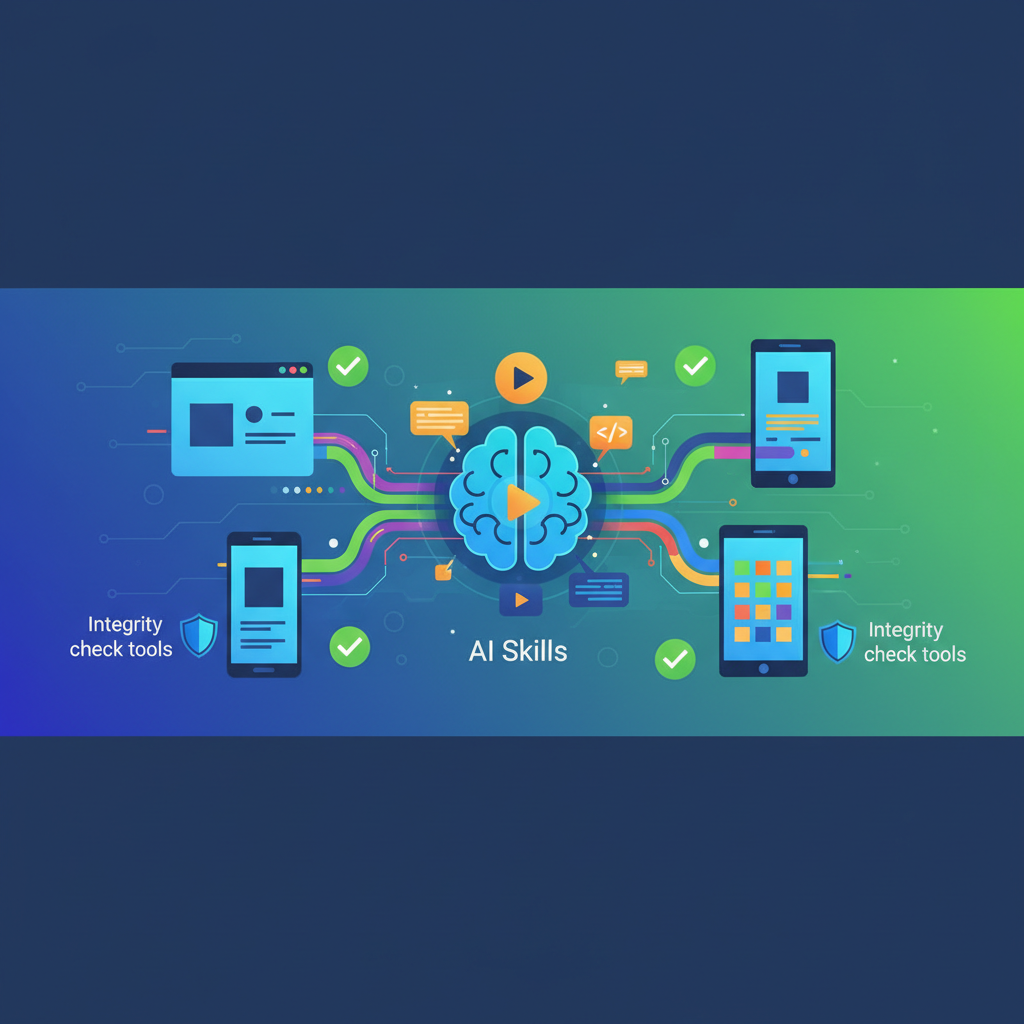
Build integrity check tools with AI skills for frontend projects are systems that automatically validate each build (and often each PR) for code quality, security, UI correctness, performance, and accessibility—while using AI to analyze, explain, and even fix issues. They sit in your CI/CD pipeline and act as an always‑on “AI reviewer” that runs after every commit.
Below is a comprehensive article that explains what this means, why it matters, and how to design and implement such tools in modern frontend workflows.
1. What is “build integrity” for frontend projects?
For frontend applications, build integrity means that every artifact produced by your pipeline:
- Compiles successfully and passes tests
- Meets code quality and security standards
- Preserves visual/UI correctness (no regressions)
- Maintains acceptable performance and accessibility budgets
- Is traceable (changes are well-documented and reviewed)
Traditionally, this is enforced with:
- Type checking (TypeScript), linting (ESLint), unit/integration tests
- Static analysis for security (e.g., SAST tools)
- Visual regression tests (e.g., screenshot comparison)
- Performance and accessibility audits (Lighthouse, Axe)
AI‑powered build integrity tools extend this with:
- Automated code review suggestions and explanations
- AI‑generated tests and visual checks
- AI‑driven performance and accessibility analysis
- Natural‑language feedback and even auto‑fix PRs
2. Why add AI skills to build integrity checks?
AI adds value in several dimensions:
- Depth of analysis: AI can reason across files and modules to spot patterns, potential bugs, and security smells beyond simple rules.[1][5]
- Coverage: AI can generate additional tests or edge cases that humans or rules often miss.[1][2][7]
- Speed: AI can summarize long diffs, pinpoint likely problem areas, and propose fixes, reducing review load.[3]
- Accessibility & performance: AI tools already exist to automatically detect performance bottlenecks and accessibility issues in frontends, then recommend fixes.[5]
- UI correctness: Visual AI can detect subtle UI regressions across browsers and devices more reliably than pixel‑diff tools.[2]
The result is a defense‑in‑depth build pipeline that combines deterministic checks with probabilistic, context‑aware AI analysis.
3. Core categories of build integrity checks (and where AI fits)
3.1 Code quality and security
Static analysis tools scan your code for bugs, smells, and vulnerabilities. AI supercharges this:
AI‑assisted static analysis
Tools like DeepCode AI (now part of Snyk) perform in‑depth static analysis and compare code against millions of best‑practice patterns to detect security flaws and performance issues.[1]
Open‑source and commercial AI code review tools can be integrated into CI to automatically review PRs for anti‑patterns, complexity, and security concerns.[8]
Typical checks for frontend projects
Insecure use of
innerHTML, unsafe DOM APIsXSS, CSRF risks in API calls and route handling
Hard‑coded secrets/keys
Dangerous evals, unsafe third‑party script loading
Error handling and logging gaps
AI skills to add:
- Natural‑language explanations for findings (e.g., “This pattern can cause XSS in older browsers; here’s a safer variant”).
- Auto‑suggested refactors and code patches as review comments.
- Risk ranking (which issues are likely exploitable vs. mostly style).
3.2 Visual/UI regression checking
Frontend build integrity must include visual stability:
- Visual AI testing
- Tools like Applitools use visual AI to detect UI regressions across browsers and devices, catching issues traditional tests miss.[2]
- Rather than raw pixel diffs, they detect functional visual changes (e.g., truncated text, misaligned elements).[2]
AI skills to add:
- Automatically generating visual baselines from Storybook or key routes.
- Smart diff explanations: “Button label overlaps the icon on viewport width 375px; likely caused by CSS change in
Button.css.” - Confidence scoring (flag only high‑signal visual diffs to avoid noise).
3.3 Test generation and coverage
AI helps ensure that the build isn’t only green but meaningfully tested:
- AI coding assistants like GitHub Copilot and others excel at generating boilerplate code, tests, and maintaining consistency.[2][5]
- AI tools can generate unit, integration, and even E2E tests for React/Vue/Next components and pages.[1][7]
AI skills to add:
- On every PR, generate suggested tests for changed components:
- Render tests (snapshot or DOM assertions)
- Interaction tests (click, type, keyboard navigation)
- Edge‑case tests around props, API responses, and states
- Highlight coverage gaps in critical components and propose test stubs.
- For failing tests, generate human‑readable explanations and potential fixes.
Some fully autonomous QA agents (e.g., tools that generate Playwright tests and commit them to the repo) already move in this direction.[3]
3.4 Performance and accessibility checks
Build integrity for modern frontends assumes your app is fast and accessible:
- AI for performance and accessibility
- AI tools can automatically detect performance bottlenecks and accessibility issues, suggesting fixes and learning from patterns.[5]
- Performance tools can analyze bundle sizes, network waterfalls, and runtime metrics, then propose optimizations.[5]
AI skills to add:
- Run Lighthouse/CLS/LCP audits in CI and feed reports into an AI agent that:
- Summarizes the root causes (“Largest Contentful Paint regressed due to added hero image; consider
next/imageor lazy loading”). - Suggests code‑level changes (e.g., code‑splitting, preloading critical resources).
- Integrate axe‑core or similar for accessibility; have AI:
- Group related issues (“All instances of contrast problems in primary buttons”).
- Suggest semantic HTML changes, ARIA attributes, and keyboard fixes.
3.5 Documentation & change intelligence
Build integrity also involves traceability and documentation:
- AI documentation agents
- AI assistants like Claude can understand large codebases and write clear explanations and documentation for complex logic.[5]
- Many AI developer tools generate commit messages, PR summaries, and release notes automatically.[3]
AI skills to add:
- CI step that generates or updates:
- PR summaries (what changed, why, potential risks)
- Changelogs for frontend features and UI updates
- Inline docs for newly introduced hooks/components
This makes it easier to understand what each build does and why it is safe (or not).
4. Architectural patterns: embedding AI into your build pipeline
A practical build integrity system with AI skills usually has these components:
- Event source
- Git host (GitHub, GitLab, Bitbucket) triggers pipeline on PRs and pushes.
- Each build corresponds to a commit or merge request.
- Traditional checks (base layer)
- TypeScript, ESLint, unit tests
- Cypress/Playwright E2E tests
- Static analysis (e.g., SonarQube or Snyk rules)[8]
- AI analysis layer (AI skills)
- Code quality & security: static analysis plus AI review (e.g., DeepCode AI / Snyk Code, open‑source AI review tools).[1][8]
- UI integrity: visual AI tests (e.g., Applitools).[2]
- Test generation: AI suggestions/agents hooked into CI.[1][2][7]
- Performance & accessibility: AI summarization of audit results and suggestions.[5]
- Documentation & change summaries: AI from diff and context.[3][5]
- Policy & gating
- Define which AI signals gate the build (e.g., blocking high‑severity security issues, large performance regressions) vs. which are advisory (e.g., “Consider refactoring this hook”).
- Keep reproducible, deterministic checks as hard gates; use AI for ranking, explanations, and auto‑fix proposals.
- Feedback surfaces
- PR comments from bots (inline suggestions and summaries).
- Status checks with detailed reports (security, visual diffs, accessibility, performance).
- Dashboards showing trends (regression history, recurring problem types).
5. Example: End‑to‑end AI‑augmented build integrity for a React/Next.js app
Here is a concrete blueprint:
- On every PR:
- Run
tsc,eslint, unit tests. - Run SAST with a security tool (e.g., Snyk/DeepCode or an open‑source alternative); fail on high severity.[1][8]
- Run Lighthouse (or similar) on key pages in CI.
- Run axe‑core for accessibility.
- Run visual AI tests on Storybook stories or key routes (Applitools‑style).[2]
- AI skill #1 – Automated code review
- Feed diff plus context to an AI code reviewer.
- It produces comments grouped by category: security, potential bugs, complexity, naming, performance.
- Dangerous patterns are mapped to known CWE or security rules when possible.
- AI skill #2 – Test and coverage improvement
- For files with no or low tests, generate suggested Jest/React Testing Library tests.
- Post them as PR comments or open a separate “test improvement” PR.
- AI skill #3 – Visual and UX analysis
- If visual AI detects regression, attach annotated screenshots and a natural‑language description of what changed and where.[2]
- For significant layout changes, the AI can suggest additional tests (“Consider adding a viewport‑width 375px screenshot for this page”).
- AI skill #4 – Performance & accessibility assistant
- Parse Lighthouse and axe reports; have AI:
- Summarize key issues.
- Suggest code‑level fixes and link them to specific components.
- Attach this summary as a PR comment or CI artifact.
- AI skill #5 – Documentation & release hygiene
- Auto‑generate:
- PR description updates summarizing the change set.
- Commit messages (if not provided) that reflect the changes accurately.[3]
- Optional changelog entries.
The team still decides what to merge, but every build now passes through an AI‑augmented gate that dramatically increases the signal from each check.
6. Choosing tools: ecosystem overview
From the current ecosystem of AI tools for frontend developers, several categories are especially relevant to build integrity:
AI code review / static analysis
DeepCode AI (now Snyk Code) for security and code quality.[1]
Open‑source AI code review tools tested at scale for enterprise codebases.[8]
General AI assistants (e.g., Amazon Q Developer, Cody) that can be wired into CI.[3]
Visual AI testing
Applitools for visual regressions across browsers and devices.[2]
AI coding assistants (used both in IDE and potentially in CI)
GitHub Copilot and similar tools for generating boilerplate code and tests, suggesting API integrations, and keeping code consistent.[2][5]
Tools like Cursor, v0 by Vercel, and Bolt.new that speed up frontend development and prototyping and can also be used to quickly remediate issues found in CI.[2][5][6]
Performance & observability AI
AI‑powered performance tools like Nostra or New Relic that help detect and diagnose bottlenecks in frontend applications.[5]
Documentation & change management AI
Assistants capable of understanding large codebases and producing clear explanations and docs (e.g., Claude, Cody, Amazon Q Developer).[3][5]
Different teams can mix‑and‑match these depending on stack (React, Vue, Svelte, Next, etc.), hosting (Vercel, Netlify, custom), and compliance requirements.
7. Design principles and best practices
When building your own AI‑skilled build integrity tools, consider these principles:
- AI augments, rules enforce
- Keep deterministic checks (tests, lint, type, baseline security rules) as hard gates.
- Use AI primarily to prioritize, explain, and suggest fixes; only treat AI output as a hard gate where the signal is reliable and well‑understood.
- Start small and iterate
- Many teams begin with one AI tool addressing the biggest pain point, measure the impact, then expand.[2]
- For example, start with visual AI tests or AI code review before adding performance or accessibility layers.
- Reduce noise
- Poorly tuned AI review can overwhelm developers with low‑value suggestions.
- Configure thresholds and categories (e.g., only block on security issues, show style suggestions as optional).
- Security and privacy
- Be explicit about which code is sent to which AI service and whether it leaves your environment.
- Prefer self‑hosted or on‑prem models for sensitive codebases when needed.
- Cultural integration
- Treat AI findings like those from junior reviewers: require human judgment for merges.
- Encourage developers to question, refine, or override AI suggestions.
- Continuous learning
- Keep track of issues that slip through into production and feed them back into your AI prompts, rules, or training data.
- Use your own incidents as training examples for the AI “skill set” you build.
8. Future directions
The direction of tooling suggests several emerging capabilities:
- Autonomous agents that own specific gates (e.g., a “QA agent” that maintains E2E coverage for core flows).[3]
- Cross‑discipline integrity checks combining frontend, backend, and infra changes in a holistic risk assessment.
- Design‑to‑code integrity where AI verifies builds against design specs from Figma or similar tools, flagging deviations not just visually but semantically.[4][5][6]
- Policy‑aware AI that enforces org‑specific guidelines (performance budgets, accessibility standards, design systems) as first‑class constraints.
For frontend teams, coupling classic CI discipline with AI analysis and automation is increasingly becoming the norm for reliable, high‑quality builds.
No comments:
Post a Comment